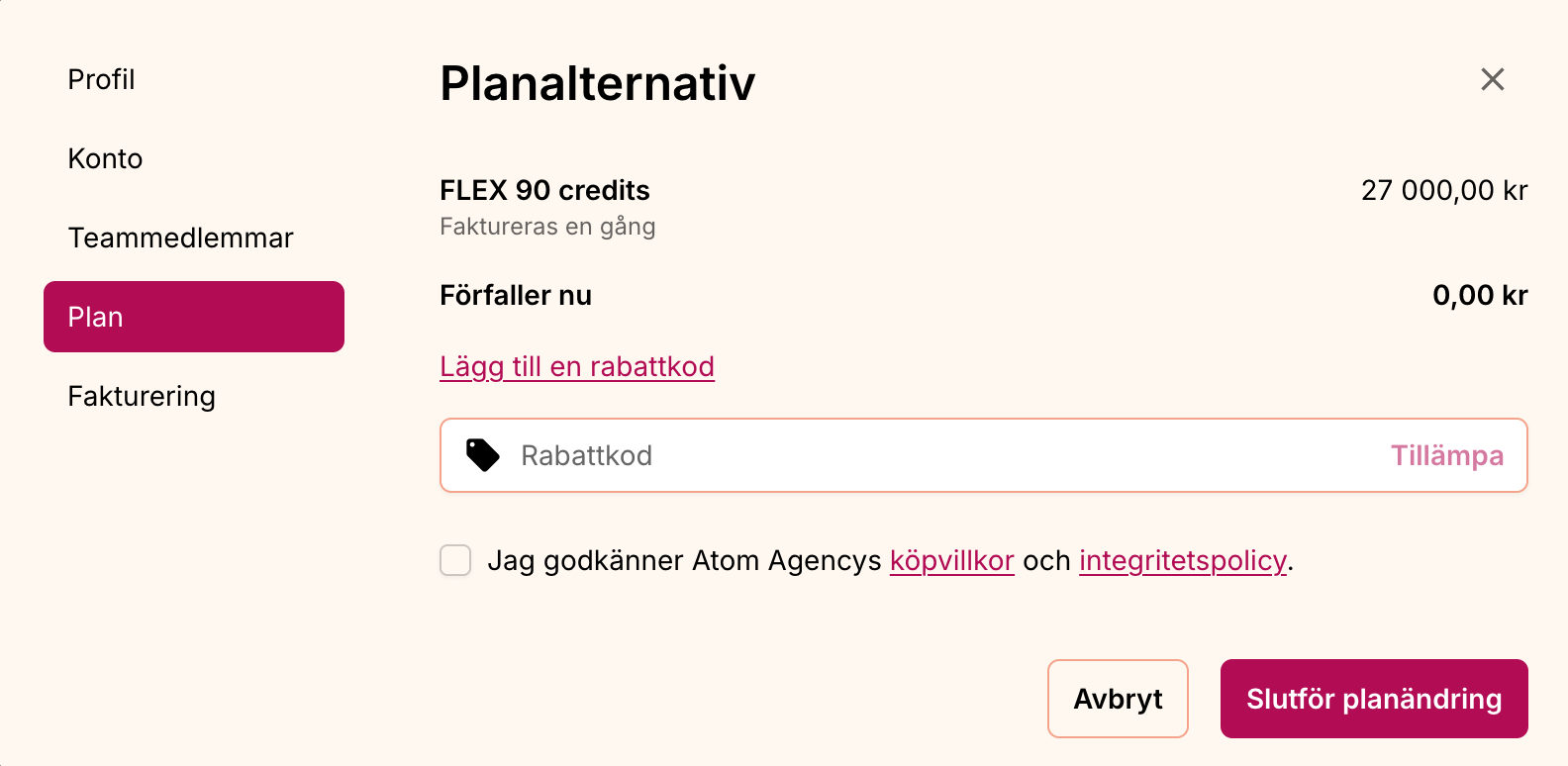
Use a discount code
To purchase credits with a discount code, do the following:
- Log in to your account.
- select Creativo in the left menu.
- Click upgrade plan.
- Select the plan you want to purchase.
- select add discount code and post your code.
- Click complete the change of plan.
The discount is deducted instantly. Keep in mind that it may take some time for your new credits to appear in your account.